Beispiel:Lightbox-4.html
<!DOCTYPE html> <html lang="de"> <head>
 <meta charset="utf-8">
 <meta name="viewport" content="width=device-width, initial-scale=1.0">
 <link rel="stylesheet" media="screen" href="./Beispiel:Grundlayout.css">
 <title>Bildwechsler - 4</title>
 <style>
.gallery a img { width: 6em; }
.gallery a { text-decoration: none; }
[hidden] { display: none; }
dialog img {
 padding: 0;
 margin: 0;
 width: 100%;  /* Bild passt sich an verfügbaren Raum im dialog an */
}
dialog {
position:relative;
}
dialog::backdrop {
background-color: #337599;
opacity:0.5; }
- lightbox {
border: thin solid #aaa; width: 80%; position: fixed; }
- lightbox img {
display: block; margin: auto; max-width: 90vw; max-height: 80vh; }
- lightbox figcaption {
font-style: italic; text-align: center; }
/* Flex-Container für die Kopf-Buttons (schließen, shuffle, play) */
- lightbox #controls {
position: absolute; top: 0; right: 0; display: flex; align-items: center; gap: 0.25rem; padding: 0.25rem; }
/* generischer Look für Buttons, die direkt im dialog liegen: prev/next */
- lightbox button {
position: absolute; top: 0; right: 0; width: 2rem; aspect-ratio: 1; cursor: pointer; border: 0; font: 0/0 a; /* Icon-Buttons: Text unsichtbar, Icon per background-image */ text-shadow: none; background: transparent; color: transparent; }
- lightbox #controls button {
position: static; background-size: contain; border-radius: 10%; }
- lightbox #controls #play,
- lightbox #controls #shuffle{
background: steelblue; }
- lightbox #close {
background-color: #c82f04; background-image: url("data:image/svg+xml,%3Csvg width='100' height='100' viewBox='0 0 100 100' xmlns='http://www.w3.org/2000/svg'%3E%3Cpath d='M20,20 l60,60 m0,-60 l-60,60' fill='none' stroke='white' stroke-width='15' stroke-linecap='round'/%3E%3C/svg%3E"); }
- lightbox #close:hover,
- lightbox #close:focus {
background-color: red; }
/* Play-Button: eigenes Icon, Zustand per aria-pressed getauscht */
- lightbox #controls #play {
background-image: url("data:image/svg+xml,%3Csvg width='100' height='100' viewBox='0 0 100 100' xmlns='http://www.w3.org/2000/svg'%3E%3Cpath d='M30,20 v60 l40,-30 Z' fill='white' stroke='white' stroke-width='15' stroke-linejoin='round'/%3E%3C/svg%3E"); background-size: contain; }
- lightbox #controls #play[aria-pressed="true"] {
background-image: url("data:image/svg+xml,%3Csvg width='100' height='100' viewBox='0 0 100 100' xmlns='http://www.w3.org/2000/svg'%3E%3Crect x='28' y='22' width='16' height='56' fill='white'/%3E%3Crect x='56' y='22' width='16' height='56' fill='white'/%3E%3C/svg%3E"); }
/* Shuffle-Button: "normale Reihenfolge"-Icon im Ruhezustand */
- lightbox #controls #shuffle {
background-image: url("data:image/svg+xml,%3Csvg viewBox='0 0 100 100' xmlns='http://www.w3.org/2000/svg'%3E%3Cg fill='none' stroke='white' stroke-width='10' stroke-linecap='round' stroke-linejoin='round'%3E%3Cpath d='M15,32 H70 M55,17 L75,32 L55,47'/%3E%3Cpath d='M15,68 H70 M55,53 L75,68 L55,83'/%3E%3C/g%3E%3C/svg%3E"); }
/* aktiver Zustand (Shuffle an) - Icon mit gekreuzten Pfeilen */
- lightbox #controls #shuffle[aria-pressed="true"] {
background-image: url("data:image/svg+xml,%3Csvg viewBox='0 0 100 100' xmlns='http://www.w3.org/2000/svg'%3E%3Cg transform='scale(0.1)'%3E%3Cpath fill='white' d='M754 334c-36 0 -71 10.667 -105 32c-34 21.333 -60.667 43.333 -80 66c-19.333 22.667 -47 57.333 -83 104c-32 41.333 -57 72.667 -75 94c-18 21.333 -44 47 -78 77c-34 30 -69.667 52 -107 66c-37.333 14 -78 21 -122 21c0 0 -104 0 -104 0c0 0 0 -140 0 -140c0 0 104 0 104 0c36 0 71.333 -10.667 106 -32c34.667 -21.333 61.667 -43.333 81 -66c19.333 -22.667 47 -57.333 83 -104c41.333 -54.667 75 -96.667 101 -126c26 -29.333 64.667 -58.667 116 -88c51.333 -29.333 105.667 -44 163 -44c0 0 36 0 36 0c0 0 0 -120 0 -120c0 0 210 180 210 180c0 0 -210 180 -210 180c0 0 0 -100 0 -100c0 0 -36 0 -36 0c0 0 0 0 0 0m-484 88c-49.333 -52 -104.667 -78 -166 -78c0 0 -104 0 -104 0c0 0 0 -140 0 -140c0 0 104 0 104 0c93.333 0 178 36 254 108c-9.333 10.667 -21.667 25.667 -37 45c-15.333 19.333 -24.333 30.333 -27 33c-5.333 8 -13.333 18.667 -24 32c0 0 0 0 0 0m520 242c0 0 0 -100 0 -100c0 0 210 180 210 180c0 0 -210 180 -210 180c0 0 0 -120 0 -120c0 0 -36 0 -36 0c-93.333 0 -180 -38.667 -260 -116c30.667 -38.667 54.667 -69.333 72 -92c0 -1.333 2 -4.333 6 -9c4 -4.667 6.667 -8.333 8 -11c56 58.667 114 88 174 88c0 0 36 0 36 0c0 0 0 0 0 0'/%3E%3C/g%3E%3C/svg%3E"); }
- lightbox #prev {
top: 40%; left: 1em; width: 4rem; height: 8rem; background-image: url("data:image/svg+xml,%3Csvg width='100' height='200' viewBox='0 0 100 200' xmlns='http://www.w3.org/2000/svg'%3E%3Cpath id='right' d='M90,10 l-80,90 l80,90' fill='none' stroke='%2387ceeb' stroke-width='15' stroke-linecap='round'/%3E%3C/svg%3E"); background-size: contain; }
- lightbox #prev:hover,
- lightbox #prev:focus {
background-image: url("data:image/svg+xml,%3Csvg width='100' height='200' viewBox='0 0 100 200' xmlns='http://www.w3.org/2000/svg'%3E%3Cpath id='right' d='M90,10 l-80,90 l80,90' fill='none' stroke='%23337599' stroke-width='15' stroke-linecap='round'/%3E%3C/svg%3E"); }
- lightbox #next {
top: 40%; right: 1em; width: 4rem; height: 8rem; background-image: url("data:image/svg+xml,%3Csvg width='100' height='200' viewBox='0 0 100 200' xmlns='http://www.w3.org/2000/svg'%3E%3Cpath id='right' d='M10,10 l80,90 l-80,90' fill='none' stroke='%2387ceeb' stroke-width='15' stroke-linecap='round'/%3E%3C/svg%3E"); background-size: contain; }
- lightbox #next:hover,
- lightbox #next:focus {
background-image: url("data:image/svg+xml,%3Csvg width='100' height='200' viewBox='0 0 100 200' xmlns='http://www.w3.org/2000/svg'%3E%3Cpath id='right' d='M10,10 l80,90 l-80,90' fill='none' stroke='%23337599' stroke-width='15' stroke-linecap='round'/%3E%3C/svg%3E"); }
@media (prefers-reduced-motion: no-preference) {
 #lightbox[open] img {
   animation: show 0.25s ease-in-out normal;
}
 @keyframes show {
   from {
     opacity: 0;
   }
   to {
     opacity: 1;
   }
 }
}
/* Mobile first - für schmale Viewports */
ul,li { display:inline-block; margin: 0.1em; padding: 0.1em; }
li { list-style-type: none; }
[role=note] {
border-left: medium solid #c82f04;
padding-left: 0.5em;
max-width: 40em;
}
[role=note]:before { content: 'Beachten: '; color: #c82f04; font-weight: blod; }
</style>
<script> "use strict"; document.addEventListener("DOMContentLoaded", () => { // Großansicht als fertiges HTML-Grundgerüst einfügen, statt jedes // Element einzeln per createElement/appendChild zusammenzubauen document.body.insertAdjacentHTML("beforeend", ` <dialog id="lightbox"> <figure> <img> <figcaption></figcaption> </figure>
<button id="shuffle" aria-pressed="false">Shuffle</button> <button id="play" aria-pressed="false">Play/Pause</button> <button id="close">Schließen</button>
<button id="prev" hidden>vorheriges Bild</button> <button id="next">nächstes Bild</button> </dialog>`);
const // selektiert alle Bilder, die Kindelemente eines a-Elements sind allPics = document.querySelectorAll(".gallery a > img"), // Großansicht und ihre Teile per ID/Selektor holen lightbox = document.getElementById("lightbox"), figure = lightbox.querySelector("figure"), full = lightbox.querySelector("img"), caption = lightbox.querySelector("figcaption"), close = document.getElementById("close"), playBtn = document.getElementById("play"), shuffleBtn = document.getElementById("shuffle"), prev = document.getElementById("prev"), next = document.getElementById("next");
// aktuell anzuzeigendes Bild aus der Liste let currentPic = 0; // Intervall-ID des Autoplays (null = Autoplay aus) let autoplayInterval = null; // Shuffle-Modus aktiv? let isShuffling = false;
// aktualisiert Bild, Bildunterschrift und Sichtbarkeit von prev/next function showImage() { full.src = allPics[currentPic].parentNode.href; caption.textContent = allPics[currentPic].alt; // nächstes-Bild-Button anzeigen? if (currentPic < allPics.length - 1) { next.removeAttribute("hidden"); } else { next.setAttribute("hidden", "hidden"); } // vorheriges-Bild-Button anzeigen? if (currentPic) { prev.removeAttribute("hidden"); } else { prev.setAttribute("hidden", "hidden"); } }
// schaltet zum nächsten Bild weiter (zufällig bei Shuffle, sonst der Reihe nach) function nextImage() { if (isShuffling) { let newIndex; do { newIndex = Math.floor(Math.random() * allPics.length); } while (newIndex === currentPic && allPics.length > 1); currentPic = newIndex; } else { currentPic = (currentPic + 1) % allPics.length; // wrap around } showImage(); }
function startAutoplay() { autoplayInterval = setInterval(() => { nextImage(); }, 2000); // alle 2 Sekunden playBtn.textContent = "Stop"; playBtn.setAttribute("aria-pressed", "true"); }
function stopAutoplay() { clearInterval(autoplayInterval); autoplayInterval = null; playBtn.textContent = "Play"; playBtn.setAttribute("aria-pressed", "false"); }
// Autoplay sicherheitshalber auch stoppen, wenn der dialog anders geschlossen // wird (z.B. per Esc-Taste) lightbox.addEventListener("close", stopAutoplay);
// click-Handler auf das Dokument einrichten document.addEventListener("click", evt => { // kommt click aus Vorschaubild? allPics.forEach((element, index) => { // wurde Vorschaubild oder Link drumherum angeklickt? if (evt.target == element || evt.target == element.parentNode) { // merke gewünschtes Bild currentPic = index; // wir wollen jetzt die Vollanzeige lightbox.showModal(); showImage(); // verhindert, dass der Browser dem Link-href folgt evt.preventDefault(); } });
if (evt.target == close) { stopAutoplay(); lightbox.close(); return; }
if (evt.target == playBtn) { // Autoplay per Klick starten oder stoppen if (autoplayInterval) { stopAutoplay(); } else { startAutoplay(); } return; }
if (evt.target == shuffleBtn) { // Shuffle-Modus umschalten isShuffling = !isShuffling; shuffleBtn.setAttribute("aria-pressed", String(isShuffling)); return; }
// kommt click aus Teilen der Großansicht (Navigation)? [caption, figure, full, next, prev].forEach(element => { if (evt.target == element) { // letztes Bild in der Liste ereicht? if (element == next && currentPic < allPics.length - 1) { // nein, weiterschalten currentPic++; } // erstes Bild in der Liste ereicht? if (element == prev && currentPic) { // kürzer als (currentPic > 0) // nein, zurückschalten currentPic--; } showImage(); // Link-Funktionalität unterbrechen evt.preventDefault(); } }); }); });
</script>
</head> <body>
Bild-Wechsler mit Lightbox
<section id="peru" class="gallery">
Peru 2007
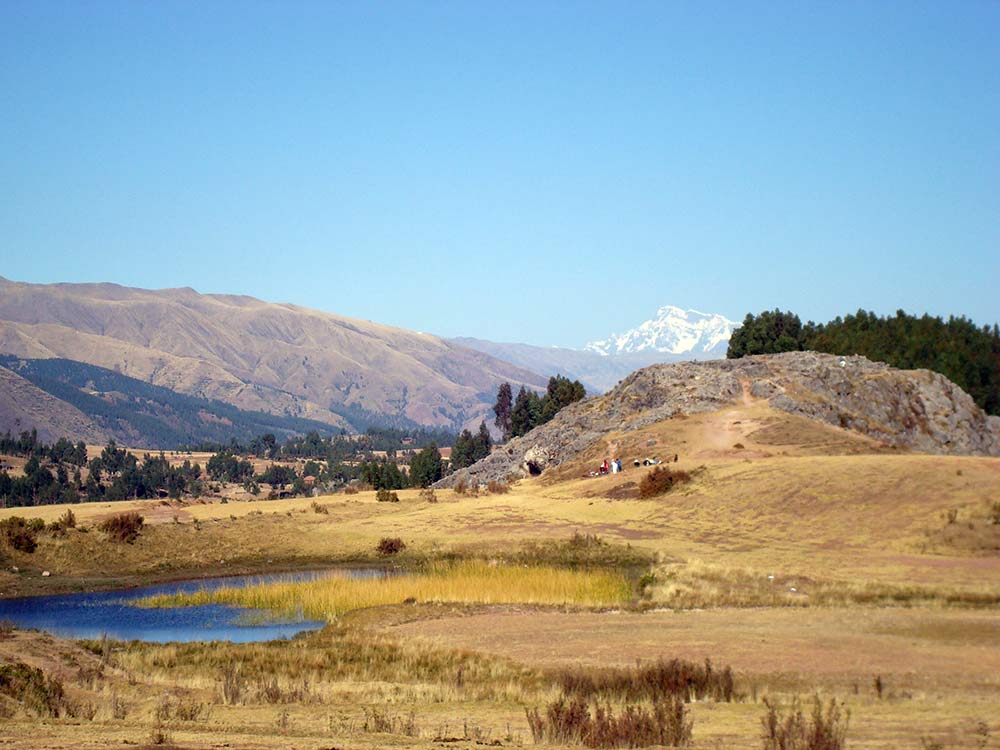
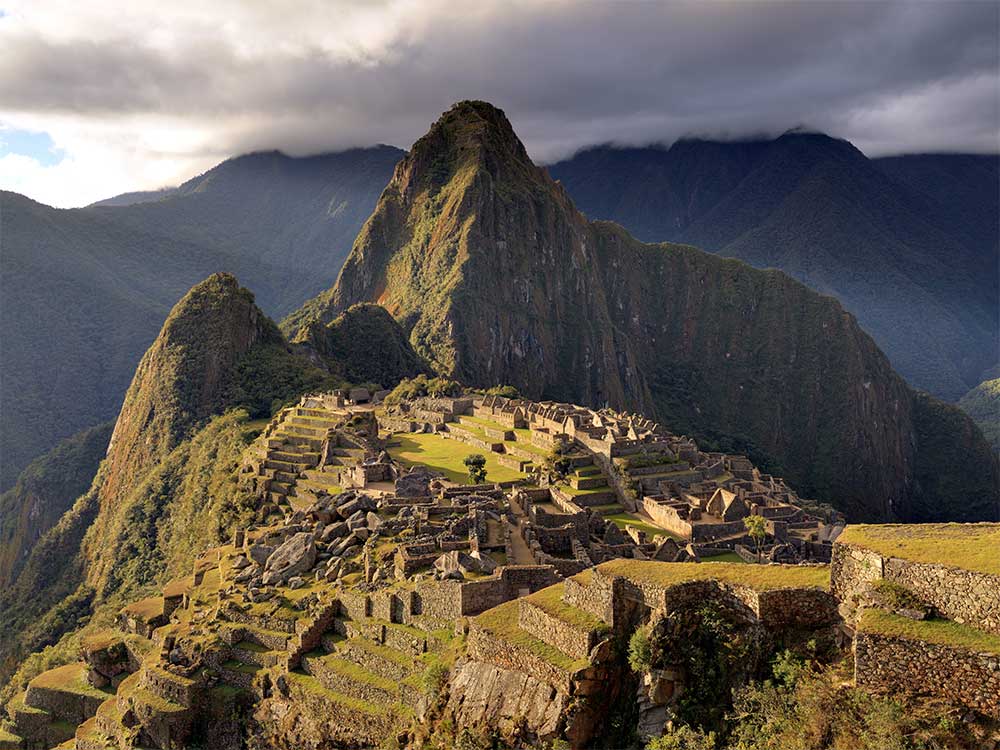
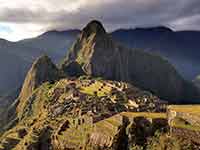
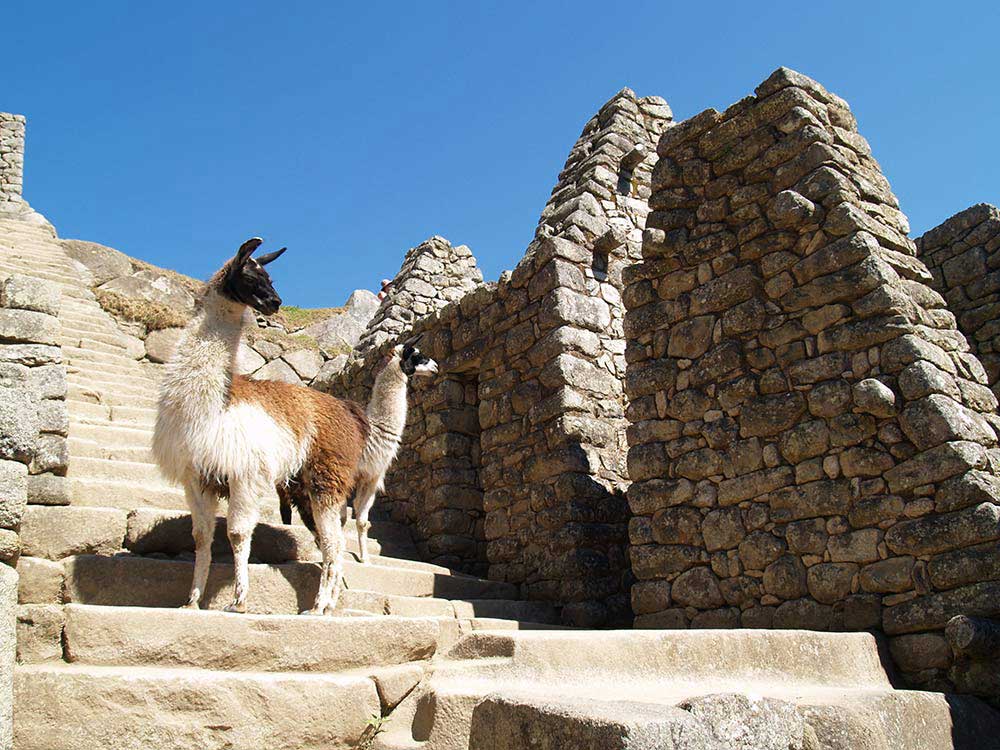
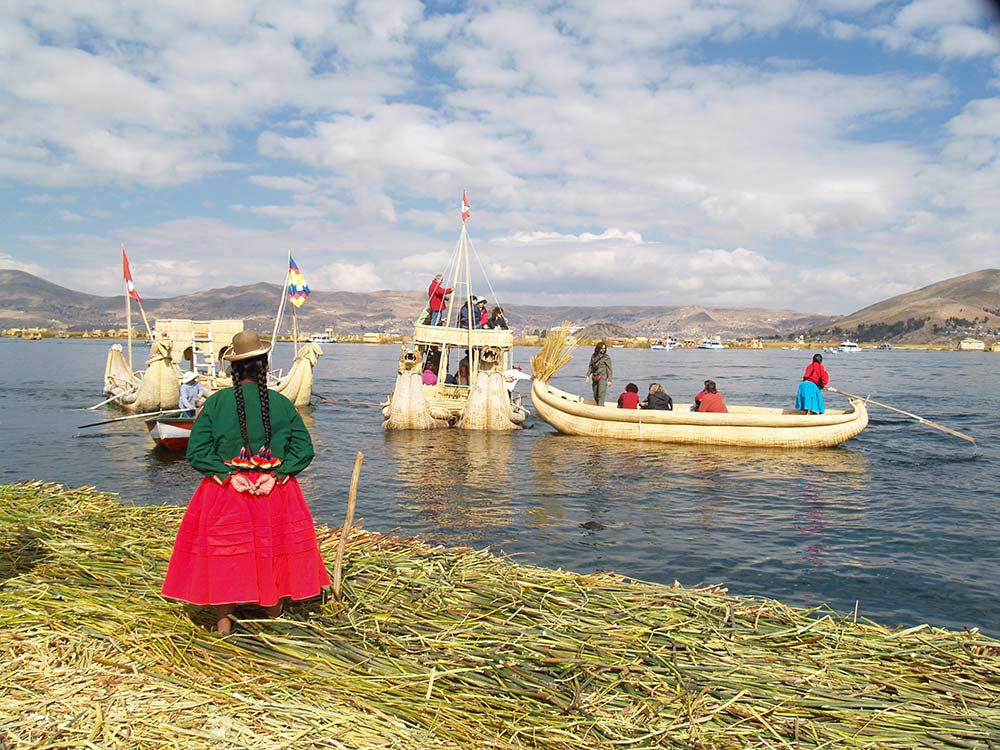
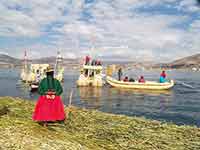
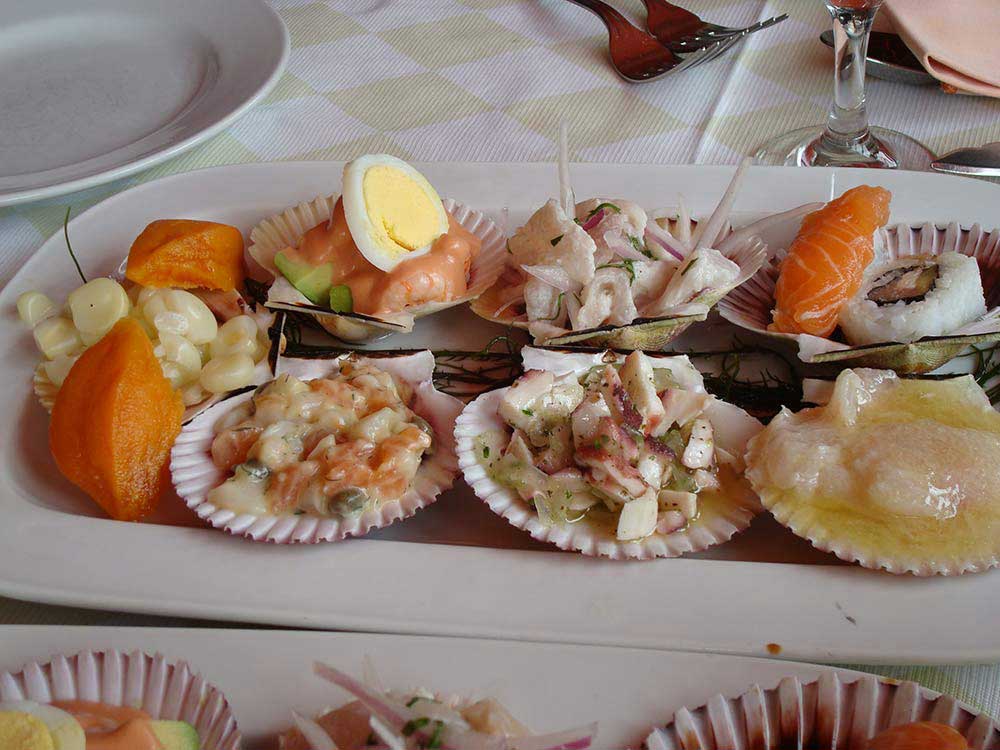
<a href="https://wiki.selfhtml.org/images/2/28/Peru-1.jpg"> <img src="https://wiki.selfhtml.org/images/2/24/Peru-1-sm.jpg" alt="Peru 2007: Cusco - Blick auf Ausangate"> </a> <a href="https://wiki.selfhtml.org/images/4/42/Peru-2.jpg"> <img src="https://wiki.selfhtml.org/images/e/ea/Peru-2-sm.jpg" alt="Peru 2007: Valle Sagrado"> </a> <a href="https://wiki.selfhtml.org/images/a/ab/Peru-3.jpg"> <img src="https://wiki.selfhtml.org/images/c/c5/Peru-3-sm.jpg" alt="Peru 2007: Machu Picchu"> </a> <a href="https://wiki.selfhtml.org/images/8/80/Peru-4.jpg"> <img src="https://wiki.selfhtml.org/images/b/b0/Peru-4-sm.jpg" alt="Peru 2007: Machu Picchu - Lamas in den Ruinen"> </a> <a href="https://wiki.selfhtml.org/images/3/3f/Peru-5.jpg"> <img src="https://wiki.selfhtml.org/images/7/71/Peru-5-sm.jpg" alt="Peru 2007: Uros-Inseln im Titicaca-See"> </a> <a href="https://wiki.selfhtml.org/images/4/41/Peru-6.jpg"> <img src="https://wiki.selfhtml.org/images/5/5b/Peru-6-sm.jpg" alt="Peru 2007: Ceviche - Meeresfrüchte mit Zitronensaft"> </a> </section> <section id="landscape" class="gallery">
Rund um die Welt 2025
<a href="https://wiki.selfhtml.org/images/4/4b/Landscape-1.svg">
<img src="https://wiki.selfhtml.org/images/4/4b/Landscape-1.svg" alt="Landschaft in der Toskana">
</a> <a href="https://wiki.selfhtml.org/images/d/dc/Landscape-2.svg">
<img src="https://wiki.selfhtml.org/images/d/dc/Landscape-2.svg" alt="Gebirge tagsüber">
</a> <a href="https://wiki.selfhtml.org/images/6/6e/Landscape-2-night.svg">
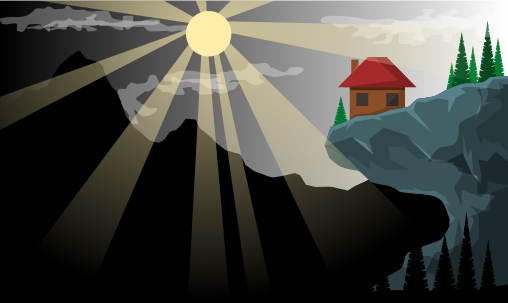
<img src="https://wiki.selfhtml.org/images/6/6e/Landscape-2-night.svg" alt="Gebirge bei Nacht">
</a> <a href="https://wiki.selfhtml.org/images/b/bb/Landscape-3.svg">
<img src="https://wiki.selfhtml.org/images/b/bb/Landscape-3.svg" alt="Abendstimmung am See">
</a> <a href="https://wiki.selfhtml.org/images/3/3a/Landscape-5.svg"> <img src="https://wiki.selfhtml.org/images/3/3a/Landscape-5.svg" alt="Fischer im Abendrot"> </a> <a href="https://wiki.selfhtml.org/images/b/b9/Seascape.svg">
<img src="https://wiki.selfhtml.org/images/b/b9/Seascape.svg" alt="Unterwasserlandschaft">
</a> </section>
Bei einem Klick auf die Thumbnail-Vorschau erhältst du eine Großansicht.
</body> </html>